Day 18 of 20 · Week 4: Governance
RBAC keeps expanding
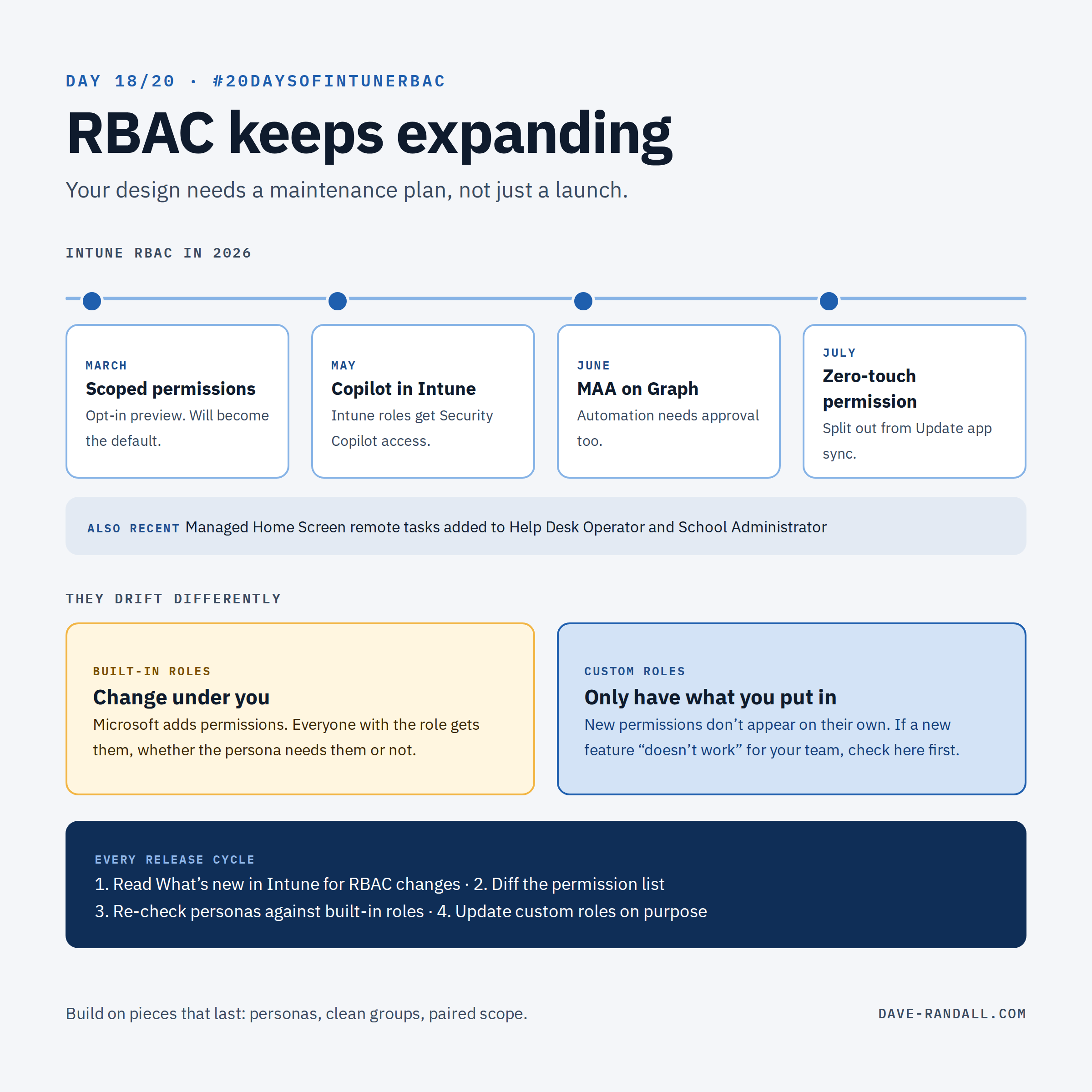
Intune RBAC isn't finished. New permissions arrive, built-in roles change, and Intune roles now reach Copilot and automation. Your design needs a maintenance plan, not just a launch.
Back on Day 2, I told the story of why Intune built its own RBAC model, and promised to come back to where it’s headed. Today is that day.
RBAC is a moving target
Here’s just some of what changed in Intune RBAC in 2026, all from Microsoft’s What’s new and Learn pages:
| When | Change | Why it matters |
|---|---|---|
| March | Scoped permissions opt-in preview (Day 7, Day 14) | How permissions combine across assignments is changing, and will become the default |
| May | Intune RBAC roles get access to Copilot in Intune | Built-in and custom Intune roles automatically get Security Copilot contributor access; Intune Administrator gets owner |
| June | Multi Admin Approval enforces on Graph automation (Day 17) | App-authenticated scripts now need approval for protected changes |
| July | Dedicated permission for zero-touch enrollment | Previously tied to Update app sync; now you can grant it on its own |
| Recent | Managed Home Screen remote tasks in built-in roles | Help Desk Operator and School Administrator gained new permissions without you doing anything |
That’s not a complaint. Most of these are exactly what customers asked for. But each one is a reason your RBAC design from January isn’t quite the design you have today.
Built-in vs. custom: they drift differently
While new features are great, they also mean that built-in and custom roles change in different ways:
- Built-in roles change under you. When Microsoft adds a permission to Help Desk Operator, every admin with that role gets it. Sometimes What’s new doesn’t include these changes, so it might not be obvious. Usually that’s helpful. Occasionally it’s more than you want a persona to have.
- Custom roles only have what you put in them. When a new permission ships, your custom roles don’t get it. That means the fancy new feature may be broken out of the gate for your admins until you do something about it.
Either way, the fix is the same: review on a schedule, not when something breaks.
Your maintenance plan
- Watch What’s new in Intune for anything tagged role-based access control, and for new features (each new feature tends to bring new permissions).
- Diff the permission list. Microsoft’s custom role permission list on Learn is the reference; my permission reference tracks it, plus permissions that show up in live tenants before they’re documented.
- Re-check your built-in role users against their persona cards (Day 12) when built-in roles change.
- Update your custom roles deliberately when a new permission matches a persona’s task list.
- Re-run the Permissions Assessment Report after big assignment changes, until Scoped permissions is on.
The bigger picture
When we built Intune RBAC, the Entra roles of the day couldn’t do what customers needed, so Intune built its own model. Entra is far more capable now, and RBAC is spreading across the Microsoft cloud: Intune roles now reach Copilot, MAA reaches automation, and PIM for Groups lets Entra govern when Intune roles apply.
What that means for design today: build on the pieces that will last. Persona-based roles, clean groups, paired scope groups and tags, and just-in-time access are good design no matter how the underlying RBAC models evolve. A tenant built that way will adapt. A tenant where everyone has Intune Administrator will just carry the same problem forward.
Try it
Open Tenant administration › Roles › Monitor › My permissions and read your own list top to bottom. Is there anything there you didn’t know you had?
Tomorrow: audit and automate, with a bonus PowerShell script to assess permissions against actual admin activity.
Further reading
- What’s new in Microsoft Intune, Microsoft Learn
- Microsoft Intune built-in roles reference, Microsoft Learn
- Create a custom role in Intune (the full permission list), Microsoft Learn
- Microsoft Copilot in Intune, Microsoft Learn
- Intune RBAC permission reference, dave-randall.com